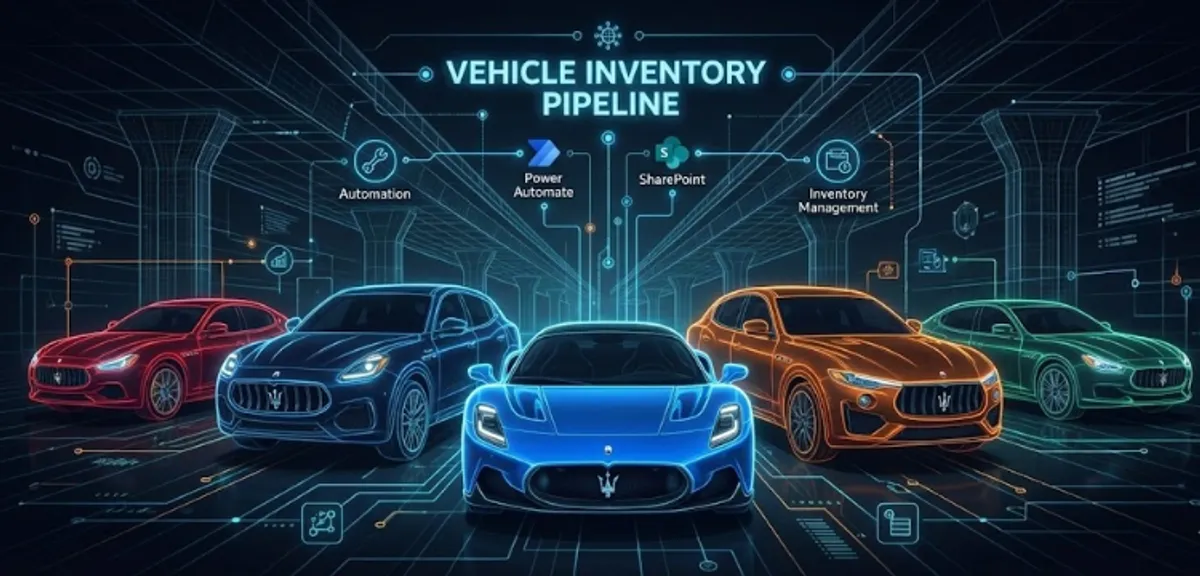
Vehicle Inventory Pipeline
Building a custom inventory management system using Power Automate and SharePoint to track a multi-million dollar luxury vehicle fleet.
We were in the final days of a legacy Dealer Management System (DMS). The software was clunky, outdated, and—as the industry later found out—a massive security liability that eventually became a major ransomware vector.
We were moving to a modern stack, but there was a gap. The new system wasn’t ready for field inventory, and sticking with the old one was a risk I wasn’t willing to take. I needed a way to ingest vehicle data immediately, accurately, and without relying on the crumbling infrastructure of the old vendor.
After researching all sorts of complicated alternatives, I realized Microsoft 365 had everything we needed. I chose the Microsoft Power Platform because it allowed me to spin up a mobile-first application that integrated directly within Microsoft 365.
1. Power Apps
The goal was ease of use. I didn’t want Lot Attendants to have to navigate menus; they just want to scan and move. I built a Canvas App focused entirely on the BarcodeReader control.
We didn’t have access to proprietary handheld scanners. Canvas Apps allowed me to use the devices we already had in our pockets.
The Code (Power Fx): I used a simple logic block to capture the scan and immediately trigger the backend automation.
// OnScan: Capture, Send, Notify
Set(varVIN, First(BarcodeReader1.Barcodes).Value);
'VIN_Decoder_Flow'.Run(varVIN);
Notify("VIN Uploaded to Cloud Pipeline", NotificationType.Success);
2. Power Automate & NHTSA
This was the “lightbulb” moment. The old software relied on internal databases that were rarely updated. I decided to bypass that entirely and go straight to the source.
I set up a Power Automate flow to act as the middleware.
- Ingest: Receives the VIN from the app.
- Verify: Sends an HTTP GET request to the NHTSA vPIC API (government database).
- Parse: Extracts the Year, Make, and Model from the JSON response.
By hitting the API directly, we ensured that our data was validated against federal records the moment the car hit the lot.
3. Excel Online
Data is useless if it’s locked in a black box. I routed the parsed data into an Excel Online table hosted on a secure SharePoint site.
This turned our inventory list into a live, collaborative document. Finance could see the “New Arrivals” populate in real-time without needing to log into a specialized DMS, and I could use Power Query to visualize the data later.
Building this pipeline was a crash course in modern software concepts. It forced me to think about application architecture, focused on the end user experience.
I had to understand how to structure JSON payloads to pass data efficiently between the frontend (Power Apps) and the backend (Power Automate). I learned how to interact with RESTful endpoints, handle API response times, and define data schemas that wouldn’t break when the government database had a hiccup.
It shifted my perspective from “managing tools” to “engineering solutions.” I realized that by building a modular, decoupled system—where the frontend doesn’t care what the backend is doing—I created something far more resilient than the monolithic software we replaced.
Side Note: In a crazy twist of timing, the legacy software provider we migrated away from suffered a massive, nationwide ransomware attack shortly after we launched this tool. While dealerships across the country were stuck using pen and paper, our inventory data remained live and accessible. It was a lucky break, but it validated the importance of owning your own data stack.